
AI as a Co-Designer: How Artificial Intelligence is Transforming UX/UI in 2025
Over the last seven years of working in UI/UX and product design, I’ve seen trends come and go — skeuomorphism, flat design, neumorphism, dark mode, you name it. But nothing has reshaped the way we work quite like AI.
We’re at a point where AI isn’t just a tool anymore. It’s starting to feel like a design teammate — one that can brainstorm, generate, test, and even predict user behavior alongside us. The question for us designers isn’t “Will AI replace me?” but rather “How can I collaborate with AI to design better products, faster?”
Let’s dive into how AI is becoming our co-designer, where it’s headed, and how you can practically integrate it into your own workflow.
1. From Tool to Teammate
A couple of years ago, AI was mainly about automation — resizing images, removing backgrounds, writing a bit of dummy text. Today, it’s about collaboration.
AI can:
- Suggest multiple layout variations in seconds.
- Cluster messy user feedback into usable insights.
- Generate copy options tailored to context.
- Predict where users might struggle in a flow (heatmaps, drop-off points).
I still do the thinking and decision-making, but AI has become the colleague who throws out ideas, crunches data, and saves me hours of repetitive work.
👉 Try: : Uizard (turns sketches or text prompts into wireframes), Khroma (AI-generated color palettes).
2. AI Across the Design Process
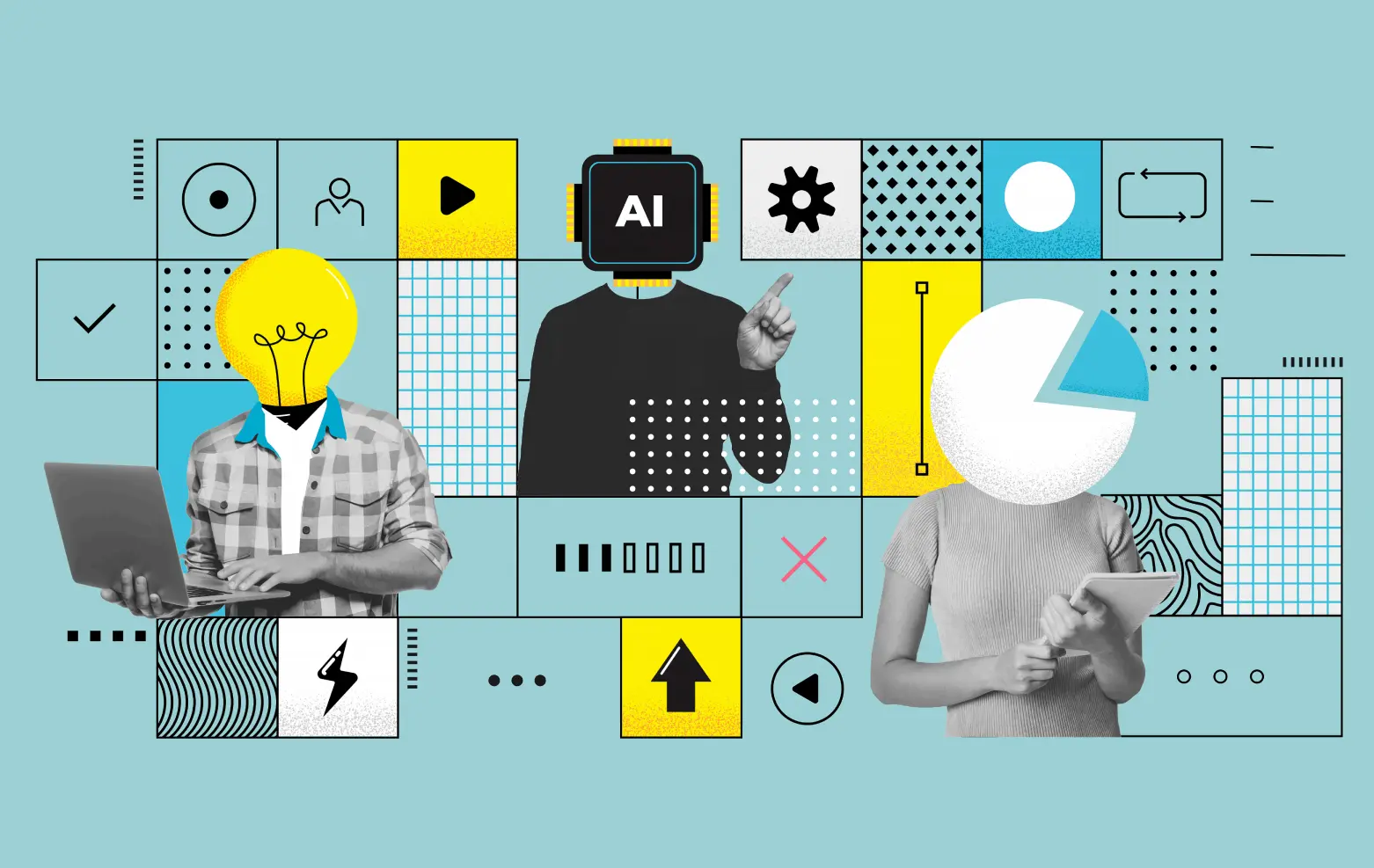
Here’s where I find AI most impactful in day-to-day UI/UX work:
- Research & Discovery → Tools like UserLeap (freemium) help analyze surveys and feedback at scale, spotting trends I’d easily miss.
- Ideation & Wireframing → AI-powered wireframe generators (like Uizard) or plugins such as Magician in Figma speed up the “blank canvas” stage.
- Visual Design → Generative tools like Adobe Firefly can create placeholder illustrations, icons, or patterns in seconds
- Microcopy & UX Writing → I often use ChatGPT to generate onboarding copy or variations of button text — then refine it myself.
- Testing & Validation → AI heatmap tools such as Attention Insight predict what users will notice first in my designs, before I even run a test.
Notice the pattern? AI doesn’t “replace” any step — it augments it, making me faster and sometimes even more creative.
3. Designing Products with AI
Beyond helping us design, AI is also becoming part of the products themselves
Think about:
- Adaptive dashboards that rearrange widgets based on usage.
- Chatbot-driven interfaces that feel more like conversations than clicks.
- AI-powered personalization that tailors an app’s look or flow to each user.
As designers, this means our role is expanding. We’re no longer just designing for humans — we’re designing human + AI interactions. That requires thinking about trust, transparency, and explainability.
👉 Example: Always add cues like “Recommended because you watched…” so users know why the AI is suggesting something.
4. The Ethics of AI in Design
With great AI power comes… yep, great responsibility
Some big questions I constantly keep in mind:
- Bias → If AI generates personas, images, or copy, am I checking for stereotypes?
- Transparency → Do users understand why the system is recommending or adapting something?
- Trust → Does the product make users feel empowered, or manipulated?
We, as designers, are the ethical filters. If we don’t build guardrails, AI-driven products risk alienating the very users we design for.
👉 Tool tip: Stark (Figma/Sketch plugin) helps ensure accessibility and inclusivity in designs
5. My Personal Tips for Working Smarter with AI
Here’s how I personally use AI day-to-day :
- Brainstorming → When stuck, I’ll ask ChatGPT to suggest onboarding flow variations. I rarely take outputs as-is, but it sparks fresh directions.
- Copy Variations → I’ll generate 5–6 options for microcopy, then pick or tweak the best one.
- Early Validation → I run designs through predictive AI tools (like Attention Insight) before testing with real users — it’s not a replacement, but a shortcut to spot glaring issues.
- Color & Style Exploration → Tools like Khroma help me break out of my go-to palettes.
Golden rule: I treat AI like a junior teammate. Great at generating ideas fast, but always in need of review, refinement, and guidance.
6. The Road Ahead
Looking at 2025 and beyond, I see designers evolving into:
- AI-Orchestrators → Guiding AI outputs, setting constraints, curating results
- Experience Curators → Focusing less on pixels, more on human experiences powered by data + AI.
- Strategic Leaders → Helping teams and businesses understand how to integrate AI responsibly.
In short: AI will not replace designers. But designers who know how to work with AI will absolutely replace those who don’t
Final Thoughts
The design industry is at an inflection point. We can either cling to old workflows or lean into AI as a co-designer. Personally, embracing AI has made me faster, more creative, and more confident that I’m focusing my energy on what matters most: understanding users and crafting meaningful experiences.
So my advice? Don’t fear AI. Invite it to your workflow, treat it like a partner, and see how it reshapes your process.
Because the future of design isn’t human vs. AI. It’s human + AI, designing together.








 Lets Talk